Jimmie D's Electronics
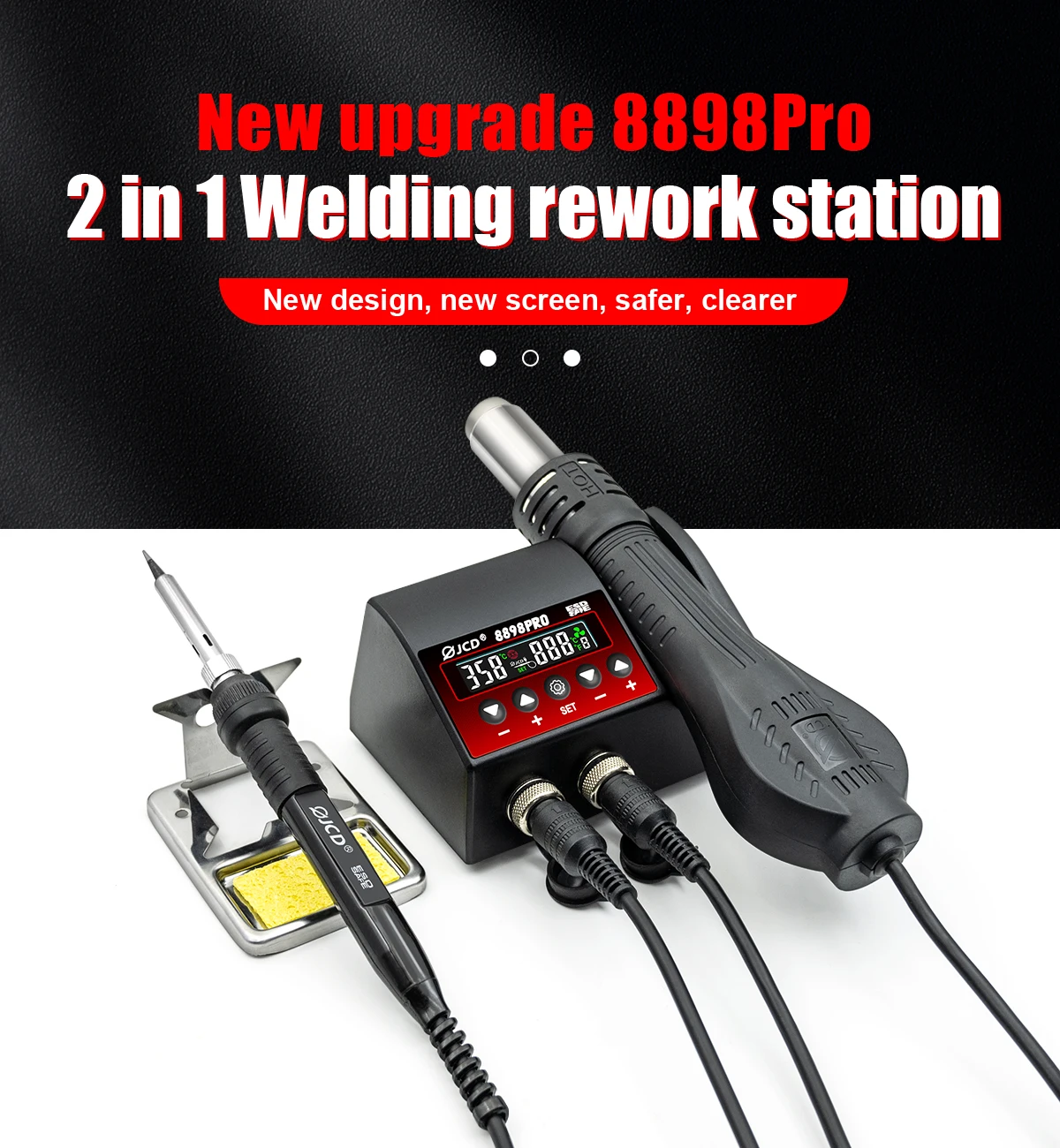
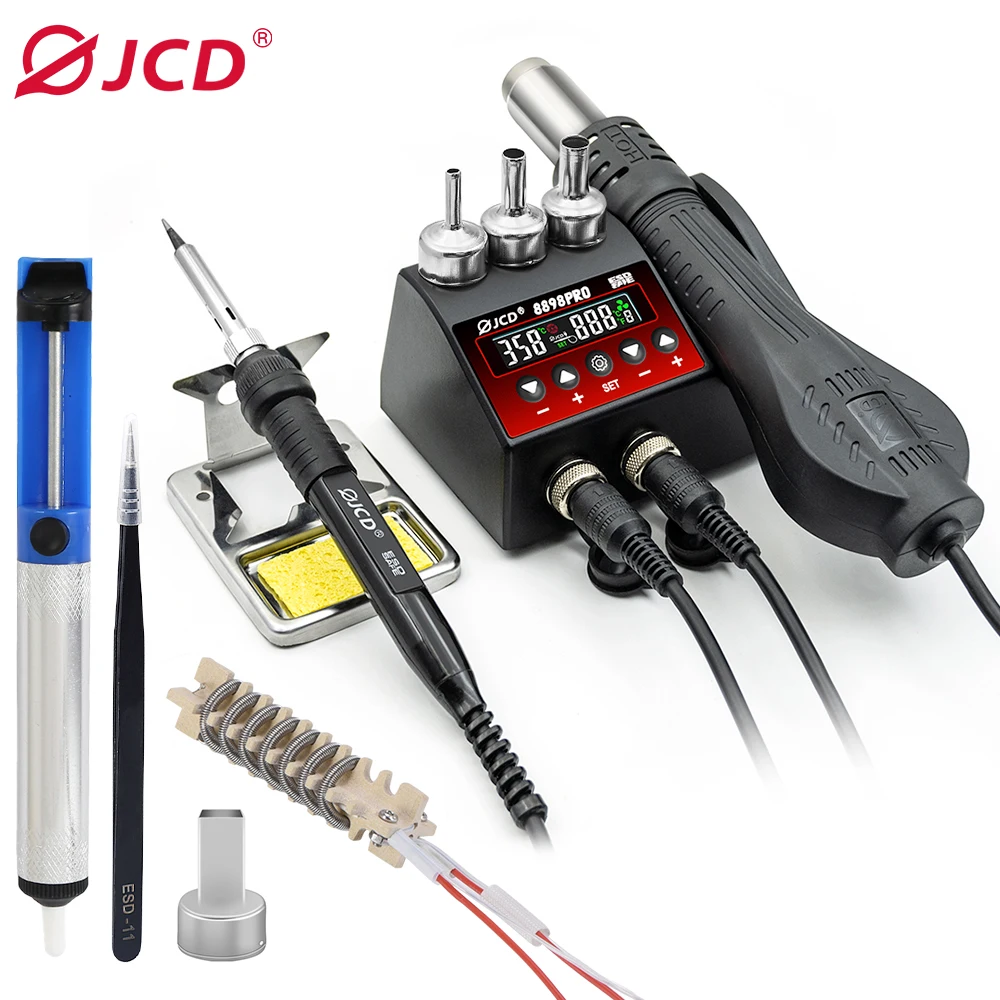
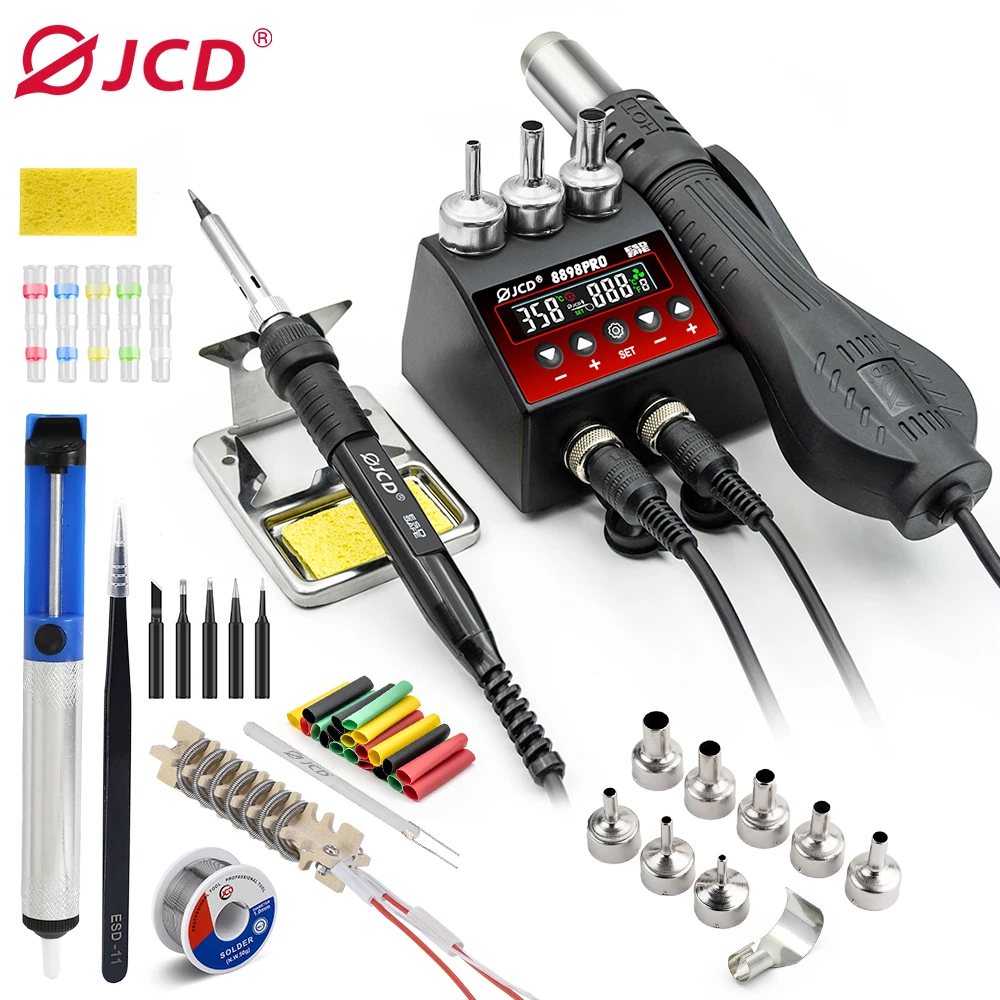
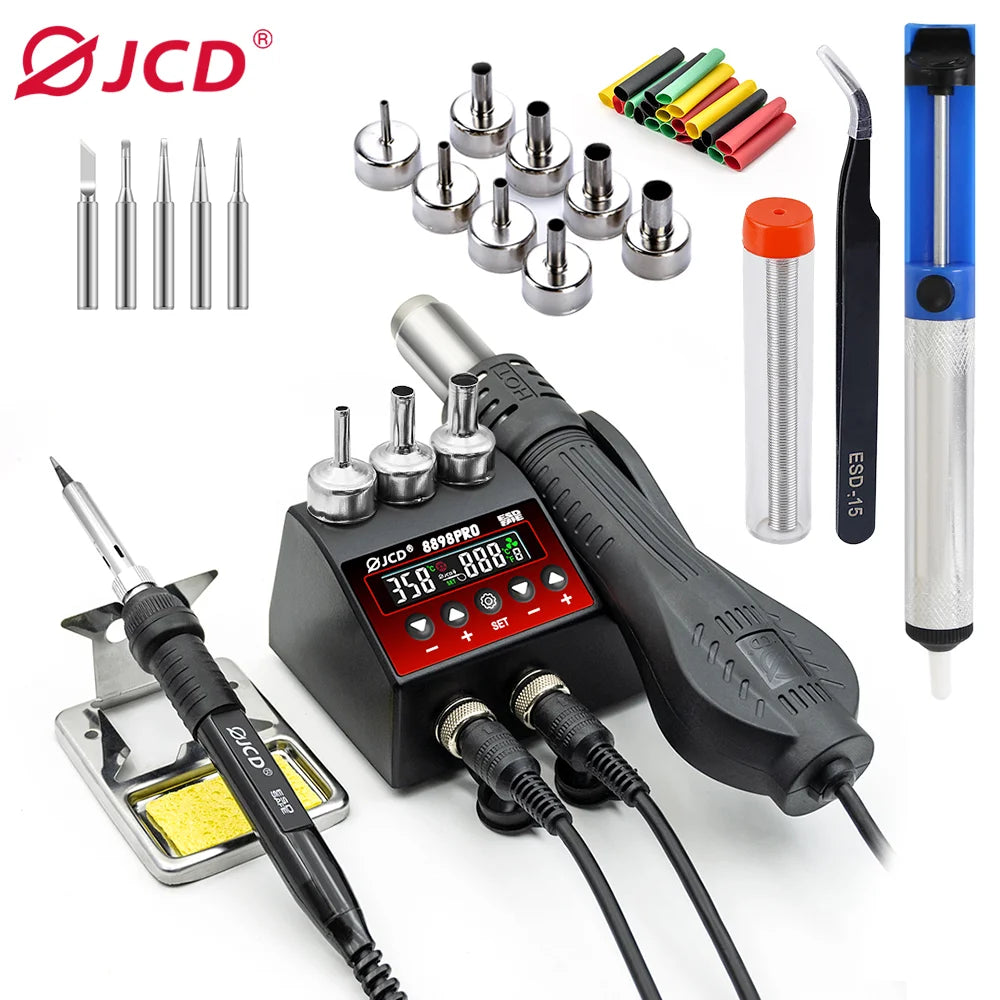
JCD 8898Pro Soldering Station 2 in 1 Hot Air Gun Solder Iron LCD Digital Display For Cell-Phone SMD BGA IC Repair Solder Tools
JCD 8898Pro Soldering Station 2 in 1 Hot Air Gun Solder Iron LCD Digital Display For Cell-Phone SMD BGA IC Repair Solder Tools
Couldn't load pickup availability
SPECIFICATIONS
Brand Name: NONE
Certification: CE
Feature 1: 8898PRO
Feature 2: SMD Soldering Station
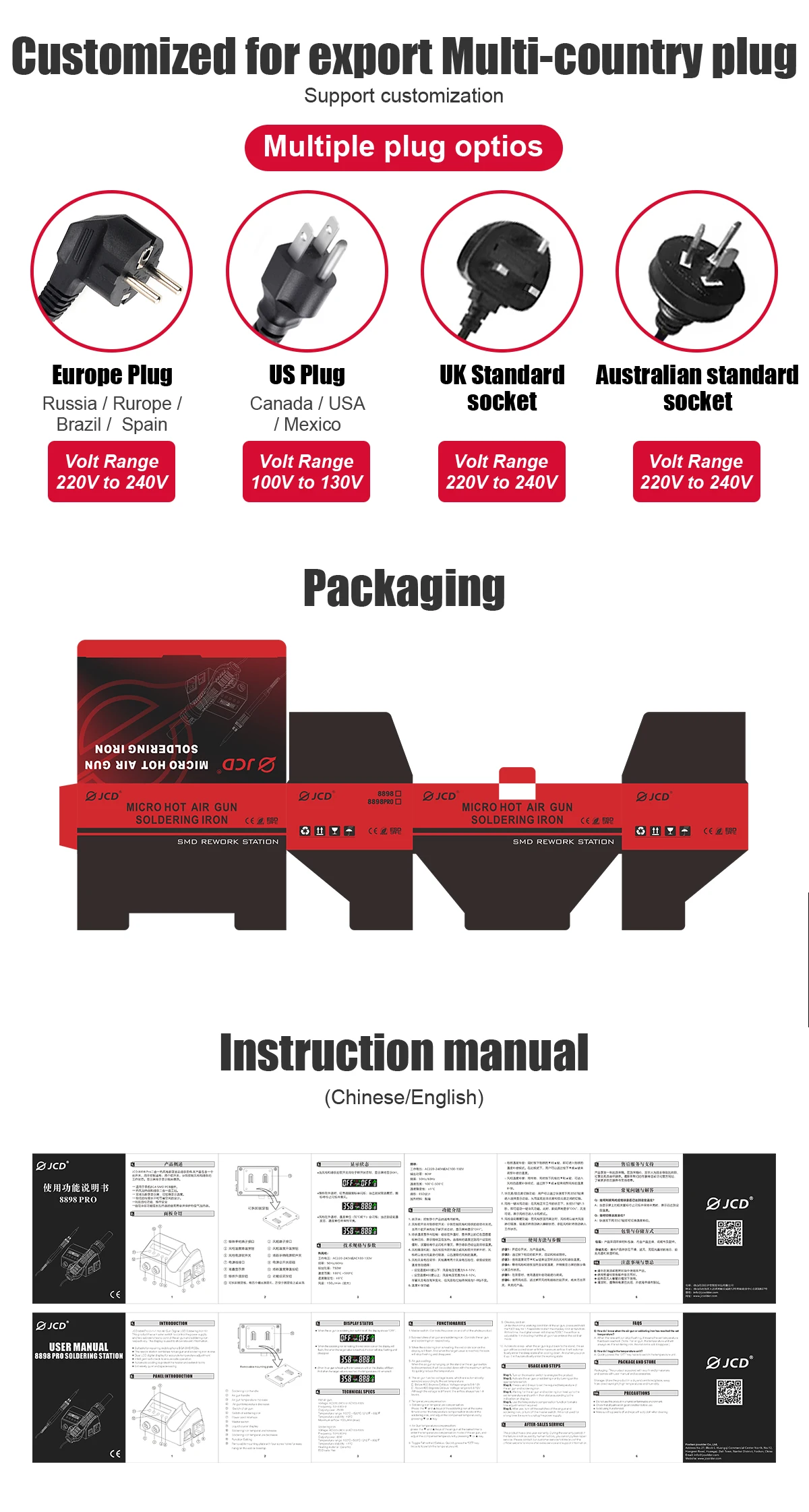
Feature 3: 110V/220V PLUG
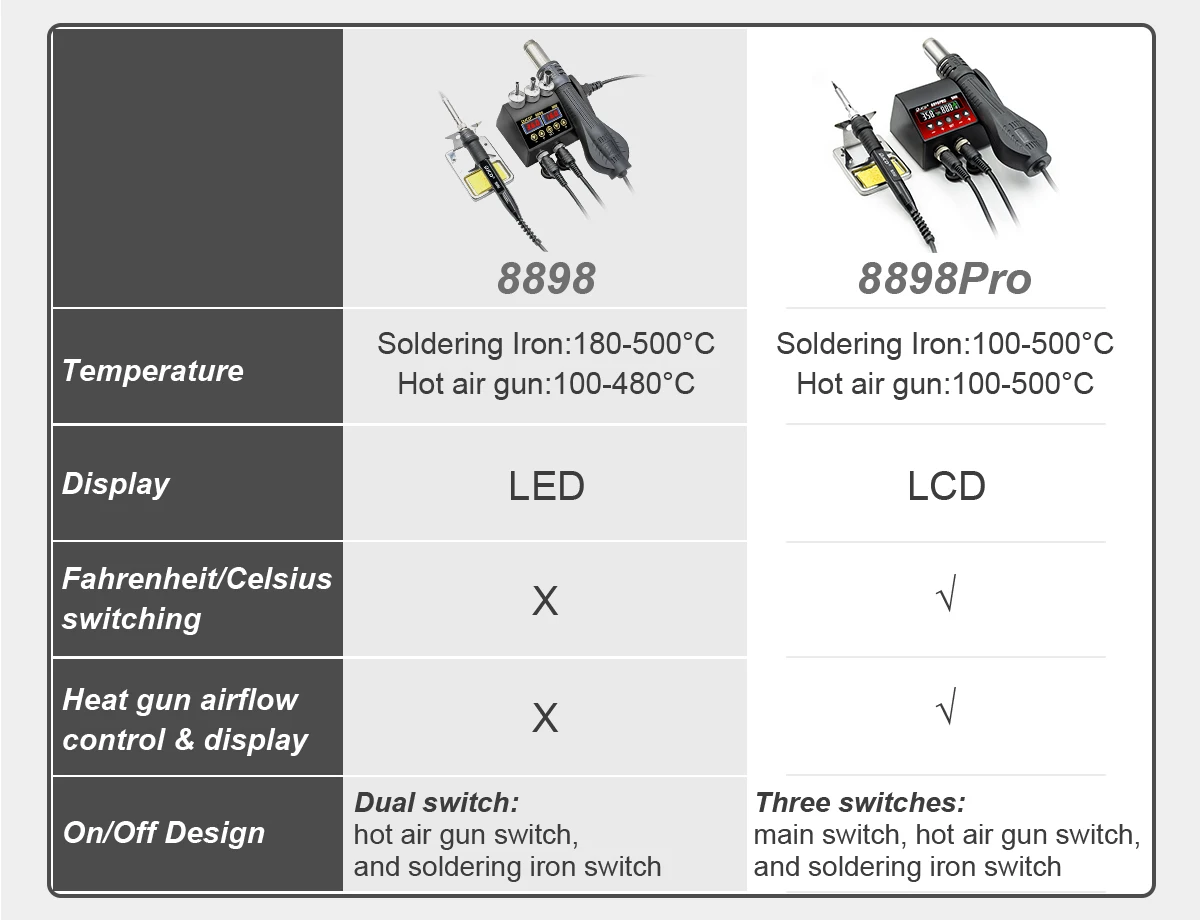
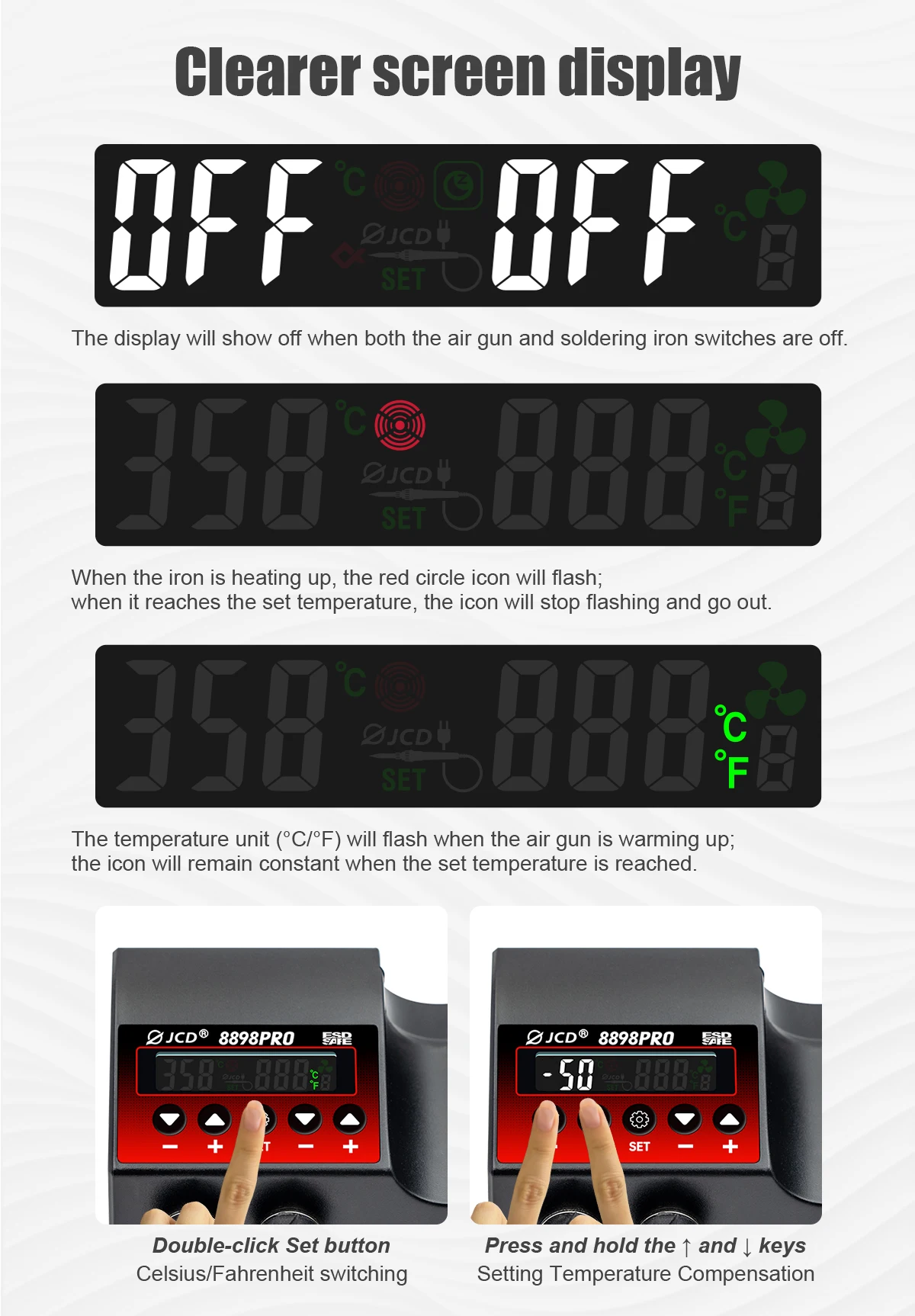
Feature 4: Fahrenheit/Celsius switching
Feature 5: Heat gun airflowcontrol & display
Feature 6: 2-in-1
Feature 7: 905g portable
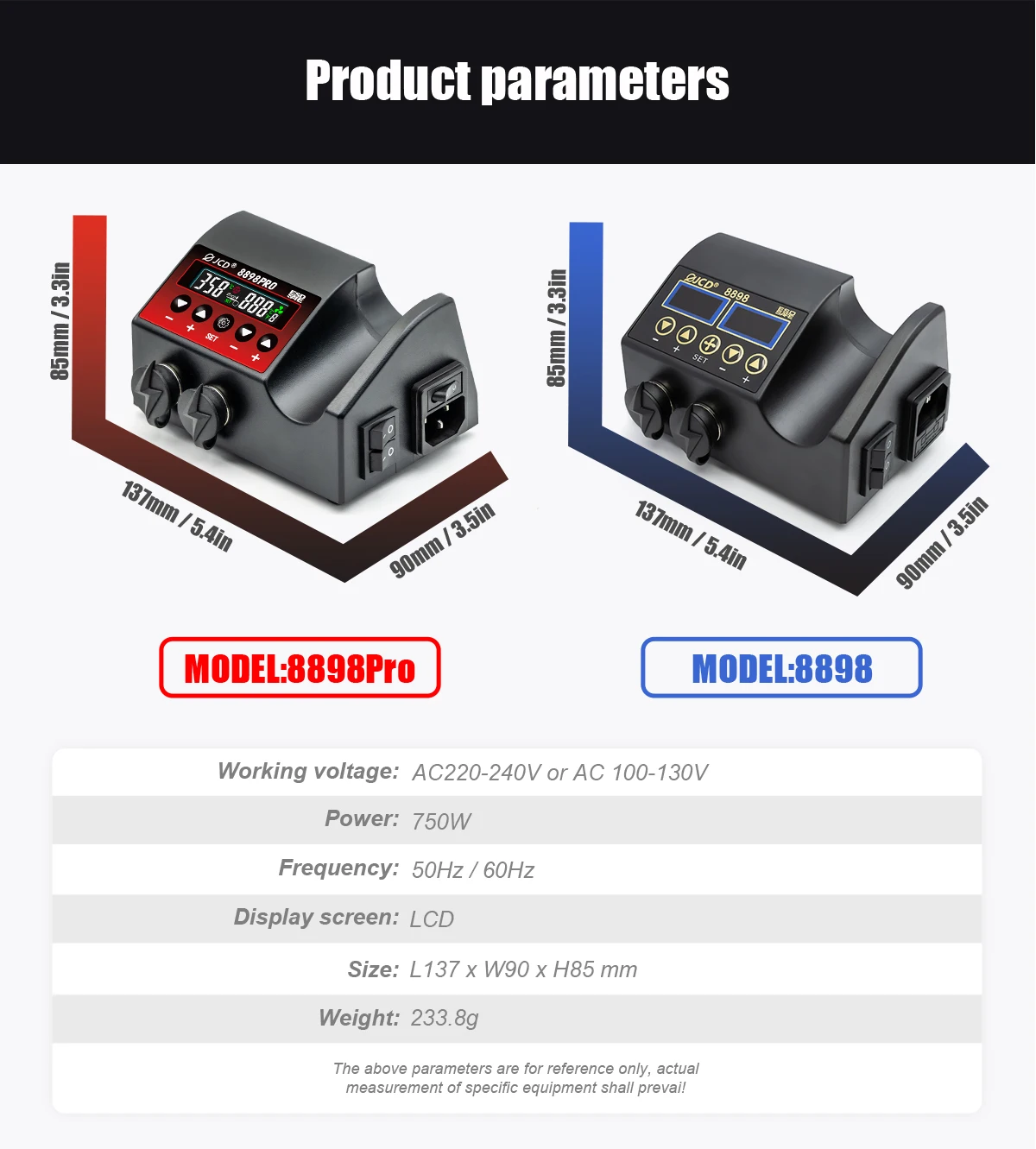
Frequency: 50Hz/60Hz
High-concerned chemical: None
Hot air gun output power: 750W
Hot air gun temperature range: 100~500 ℃
Model Number: 8898PRO
Origin: Mainland China
Solder iron output power: 80W

JCD New 8898Pro 2 in 1 Soldering station LCD Display 750W Adjustable Temperature Air Flow Control BGA SMD IC Welding Rework Tools
Hot air heater and welding iron 2in1 rework soldering station.
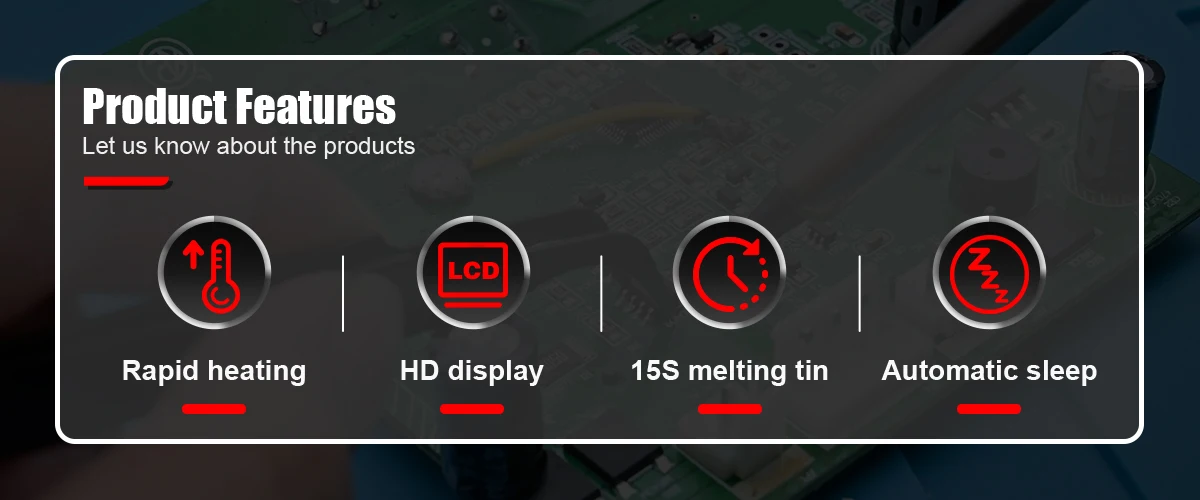
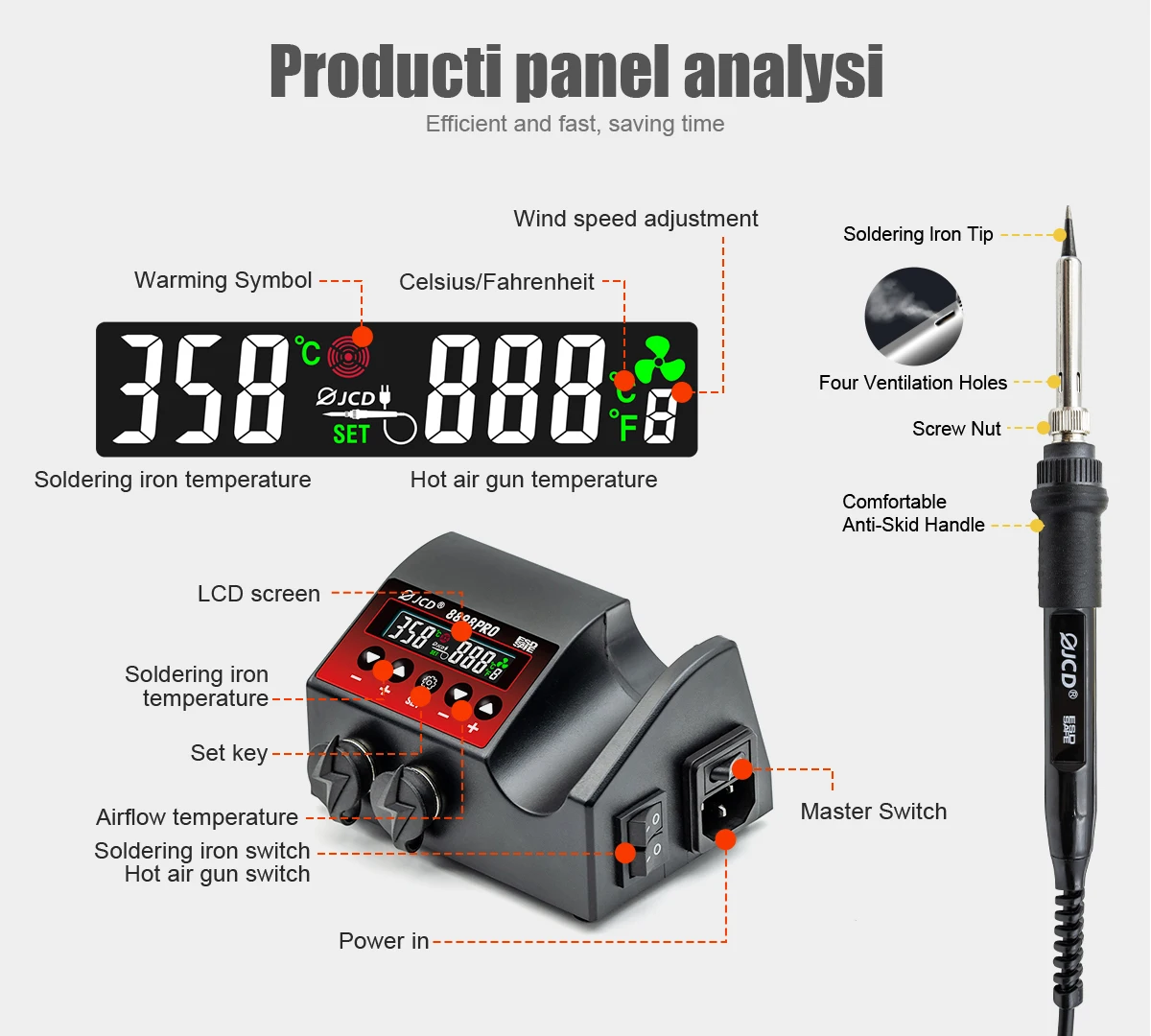
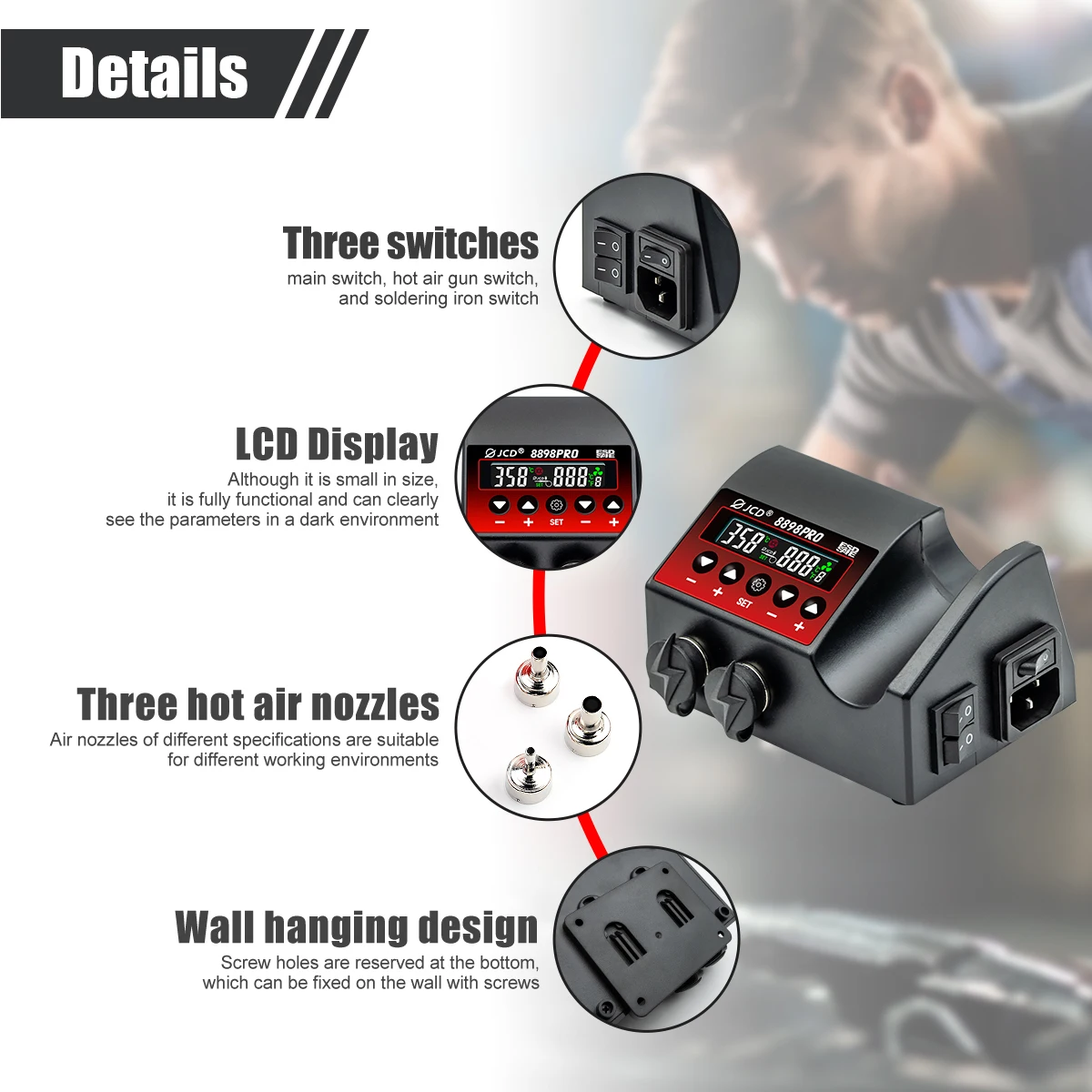
Dual LCD digital displays to show precision temperature.
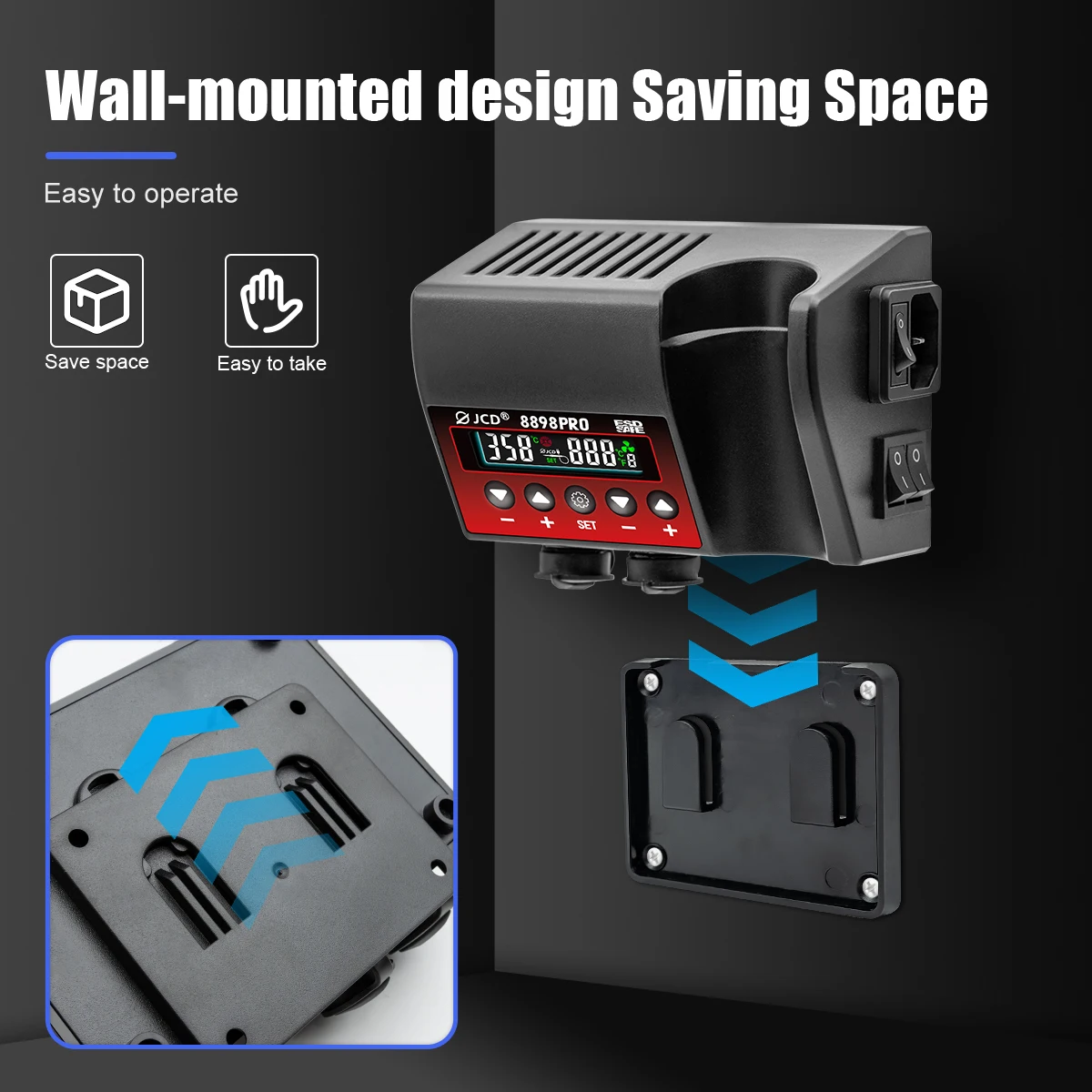
Extremely low noise and space saving design.
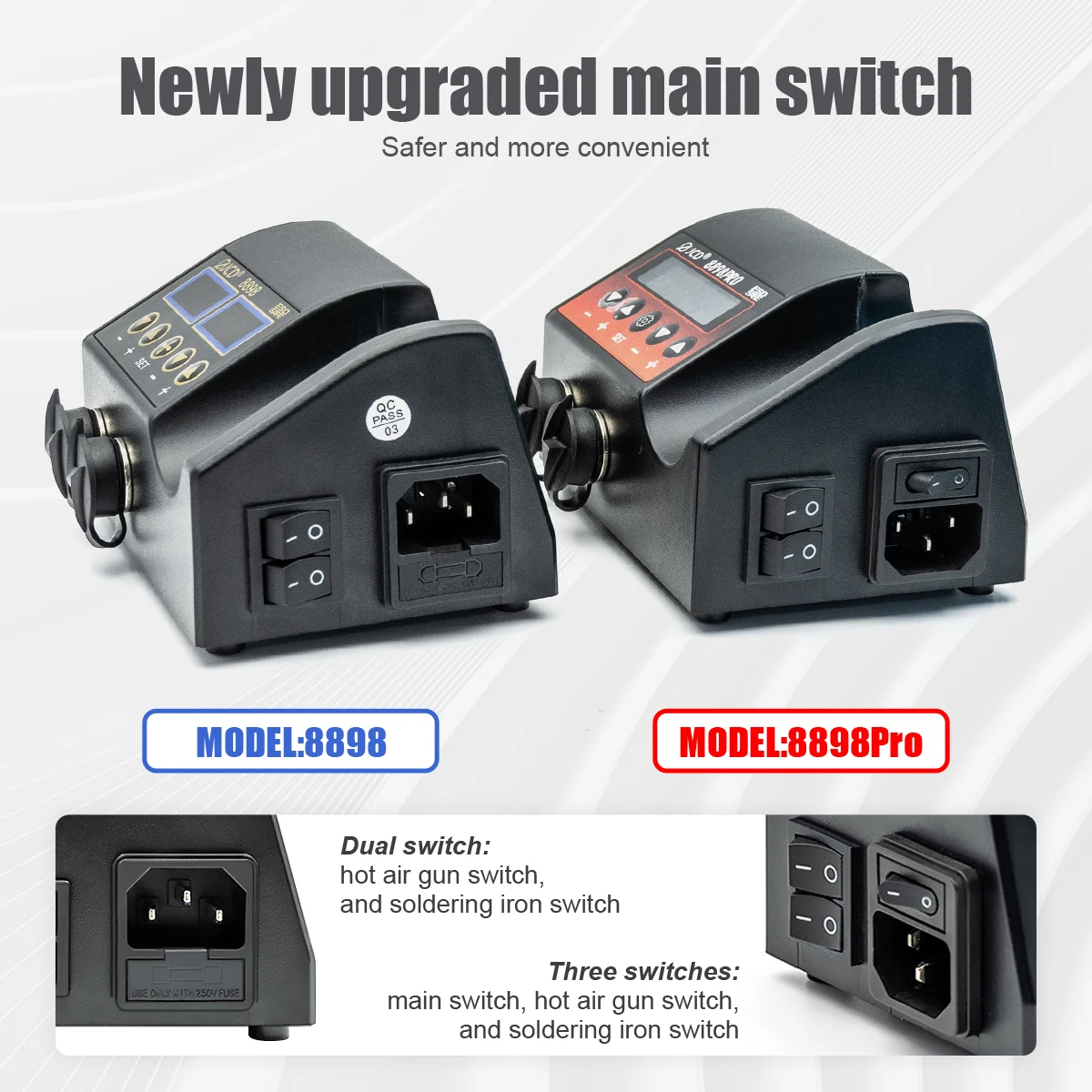
Intelligence self-detection function features safe personal operation.
Automatic cooling function for effectively prolonging the heater's life and protecting the hot air heater.
Fahrenheit/Celsius switchin
Heat gun airflowcontrol & display
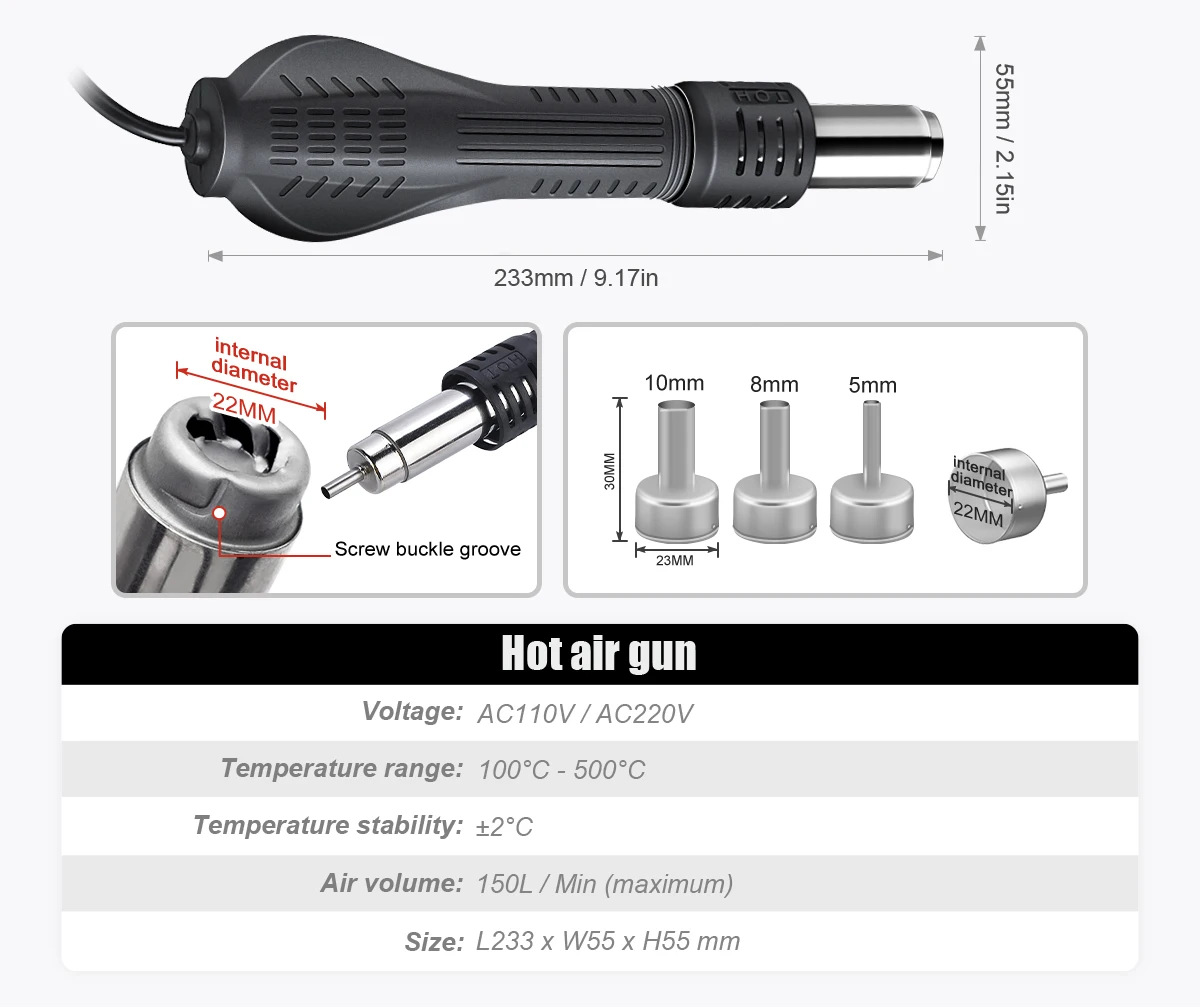
Hot air gun
Working Voltage: AC220-240V OR AC100-130V
Frequency: 50Hz/60Hz
Output Power: 800W
Temperature Range: 100°C~480°C
Temperature Stability:±2℃
Air Flow: 150L/min (max)
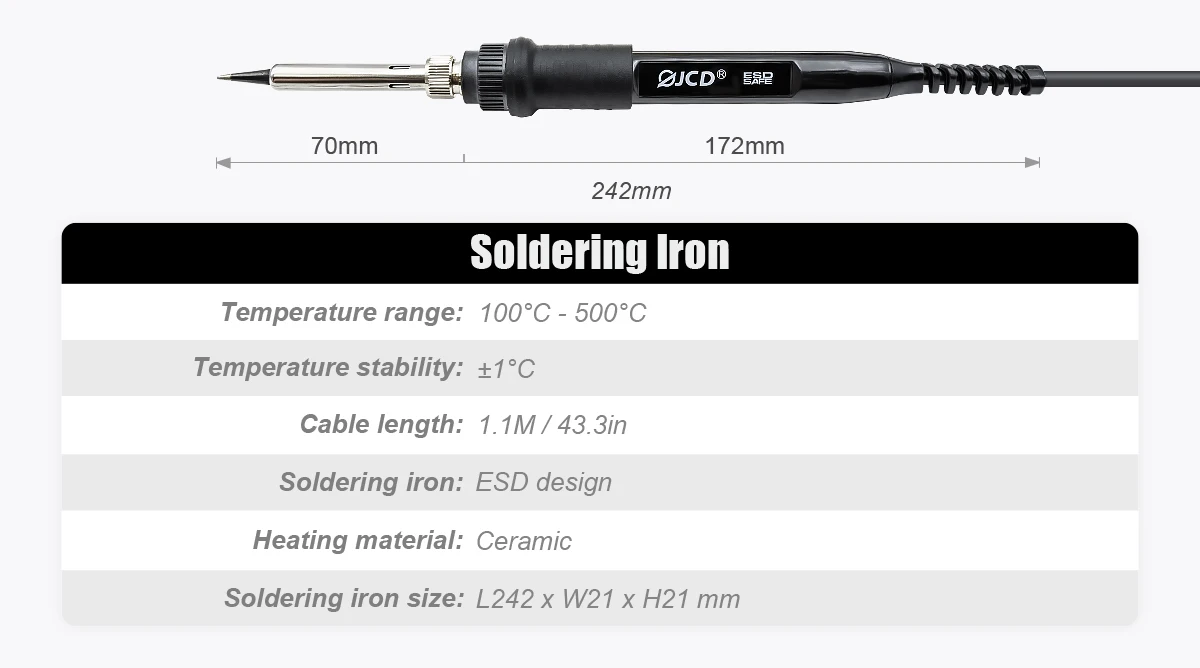
Soldering iron
Working Voltage: AC220-240V OR AC100-130V
Output Power: 80W
Frequency: 50Hz/60Hz
Temperature Range: 180°C-500°C
Temperature Stability: ±1°C
Soldering Iron : ESD design
Heater Material : Ceramics
How to use:
1. Clean the electronic components to be soldered.
2. Once iron reaches temperature (not too high, recommend 300-400℃).
3. Apply a little solder to the heated iron tip to prevent oxidation, then rub the iron tip to evenly extend the solder to the surface of the iron tip.
4. Start to solder